
Online Examination
Online exam software with automatic marking
Students take timed online exams on the web or in the Student app. Objective answers are marked automatically, so teachers get results without manual checking.
- Unlimited students
- Role-based access
- Web + Android apps
Instant objective marking
Right and wrong answers are graded when the student submits.
Fairer tests
Shuffle questions and options, and see logged tab switches and full-screen exits.
Strictly timed
A submission that arrives well after the time limit is not graded.
Main features
Online Examination features
- Timed attempts
Duration, total marks and pass marks set per test.
- Shuffling
Randomise question order and option order.
- Negative marking
Optional negative marks per wrong answer.
- Result display rules
Choose whether to show the result and answers immediately.
- Question bank
Keep a bank of questions and generate papers from it.
- Web and Student app
Students attempt tests from their login on web or in the Android Student app.
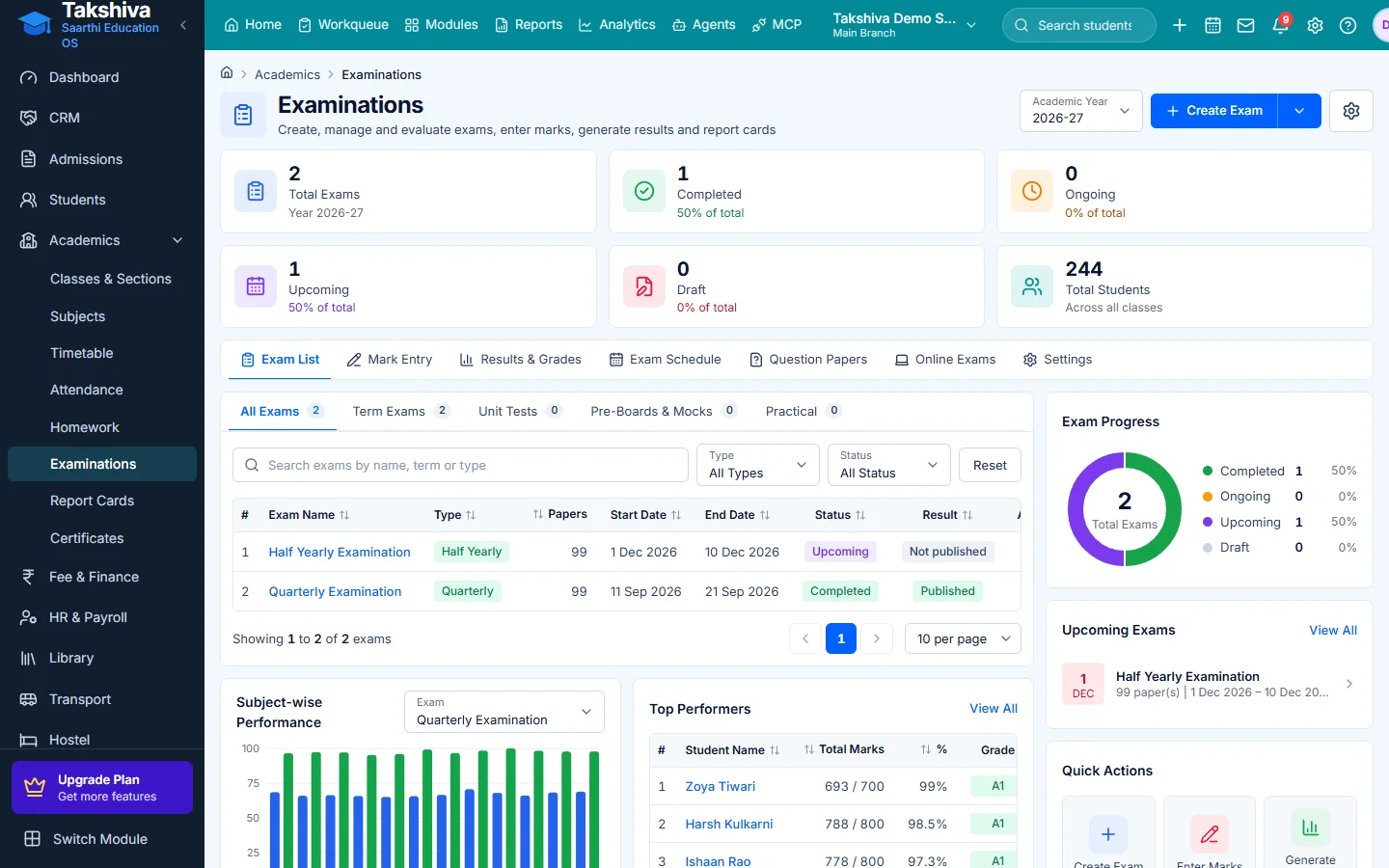
Online exams sit beside regular exams
- Online exams are listed in Examinations
- Results flow into the same results screens
FAQ
Frequently asked questions
Explore more
Related modules

See it working for your institution
Book a free demo, or start a 14-day free trial, and explore the product yourself.