
Timetable Management
School timetable software for every class, teacher and room
Set periods once and view them four ways: by class, by teacher, by room or by subject. Copy a timetable between classes and print any view.
- Unlimited students
- Role-based access
- Web + Android apps
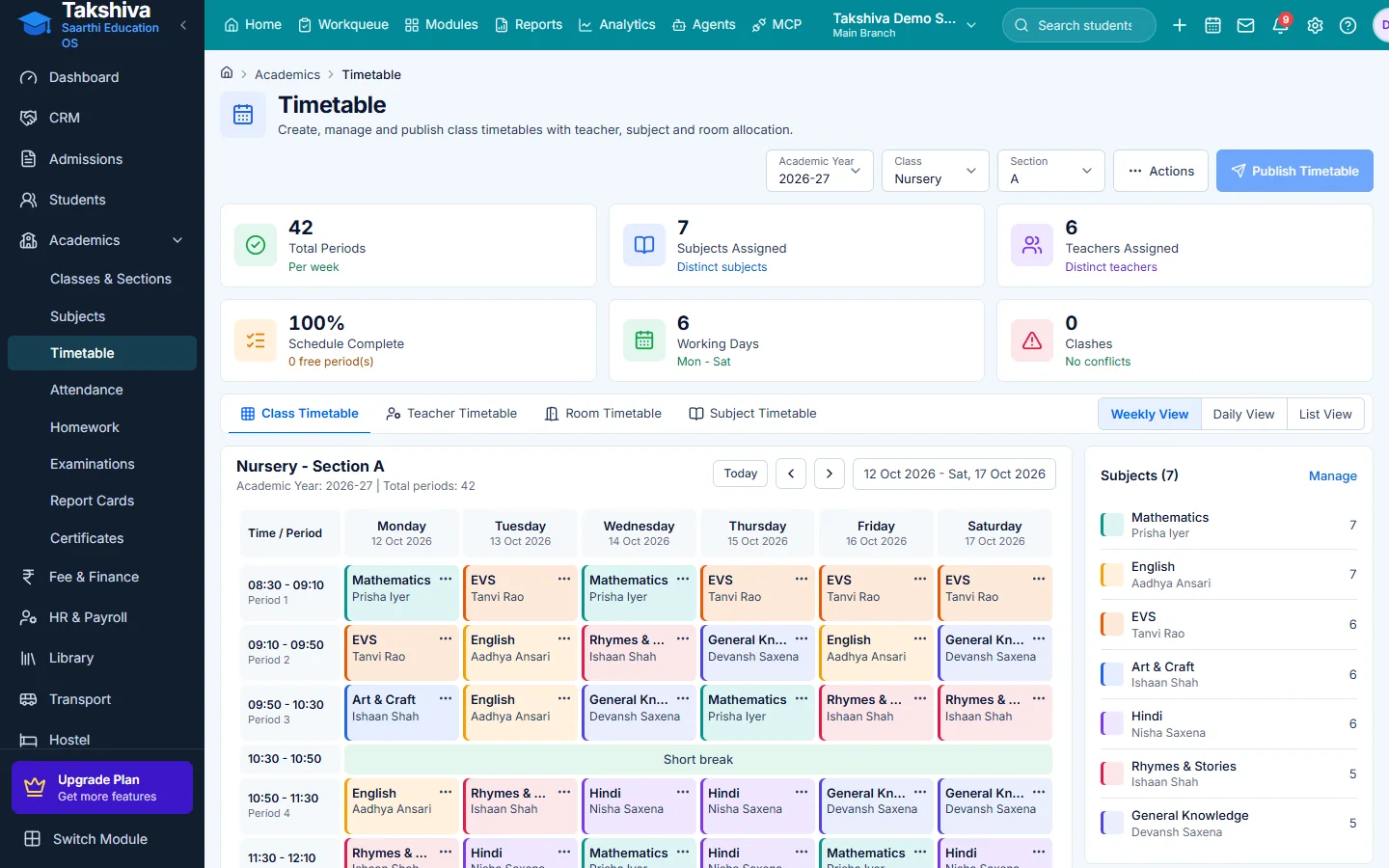
Four views of one timetable
Class, teacher, room and subject timetables stay in sync.
Fewer clashes
Teachers see their own periods; edits update every view.
On the phone
Teachers and students see timetables in their apps.
Main features
Timetable Management features
- Class timetable
Add, edit and remove periods for a class.
- Teacher timetable
See each teacher's periods across classes.
- Room and subject views
Check room use and where a subject falls in the week.
- Copy from another class
Start a new class from an existing timetable.
- Reset and print
Clear a timetable or print any view.
- Parent and student view
Parents and students see the timetable in their apps.
Switch between class, teacher and room views
- Edit a period in place
- Copy a timetable from another class
FAQ
Frequently asked questions
Explore more
Related modules
- Attendance Management
Mark and track attendance for students and staff.
Learn more - Homework & Assignments
Assign homework and track submissions.
Learn more - Examination & Results
Plan exams, enter marks and publish report cards.
Learn more - Parent-Teacher Communication
Notices, messages and alerts between school and parents.
Learn more
Related reading
Guides from our blog

See it working for your institution
Book a free demo, or start a 14-day free trial, and explore the product yourself.